How to film yourself with your phone as its own teleprompter stand
Reading a script on camera usually means a tripod, a prompter rig and a second device. With a foldable phone you can skip all three: the fold is the stand, and the screen right under the camera is the prompter.
1. Write or paste your script
Open Foldcue and tap + to start a script, or paste one you wrote elsewhere. You can also import .txt and .md files. Wrap a word in **double asterisks** to make it bold on the prompter, which helps for names and numbers you don't want to trip over.
2. Half-fold the phone and set it on the desk
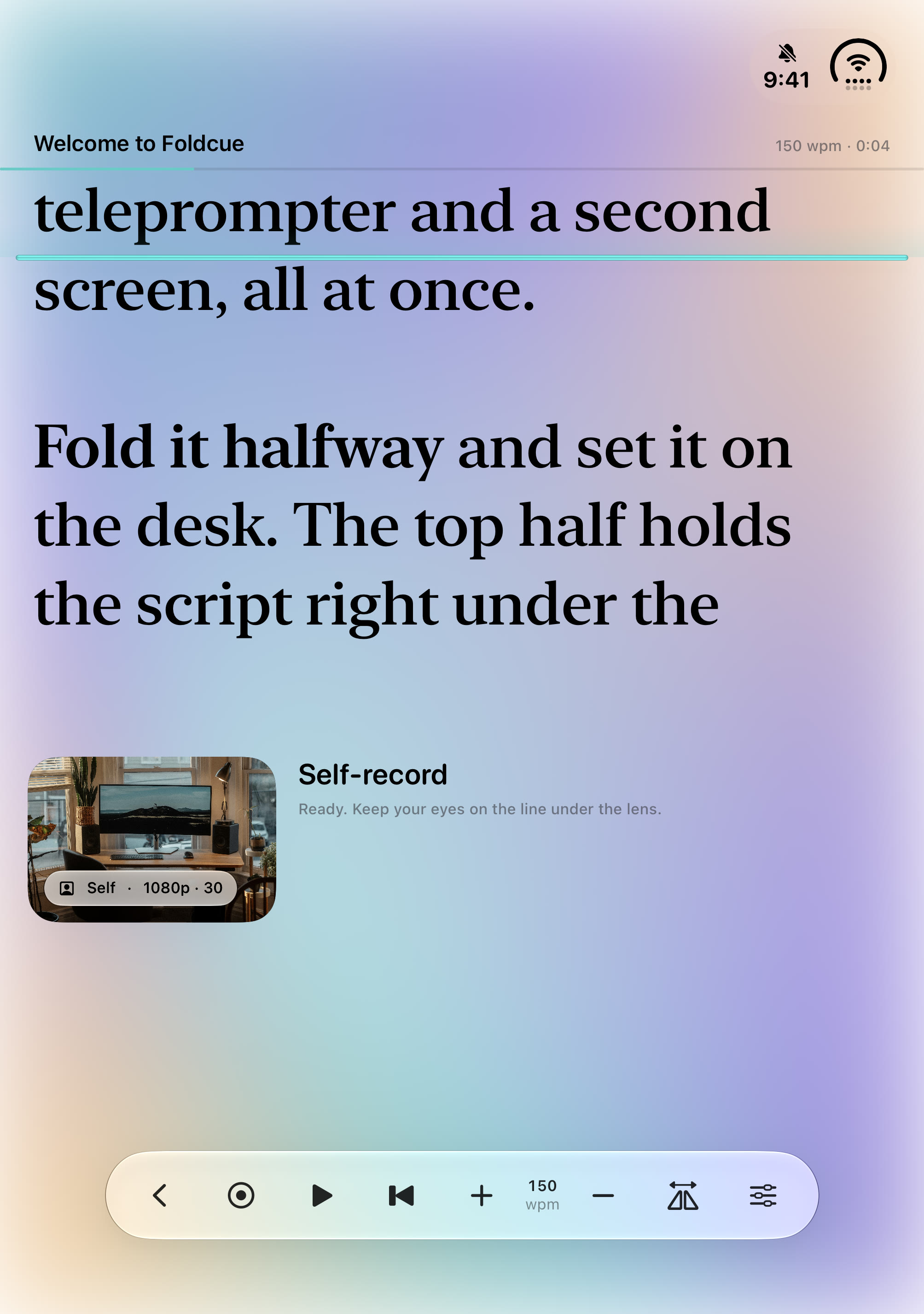
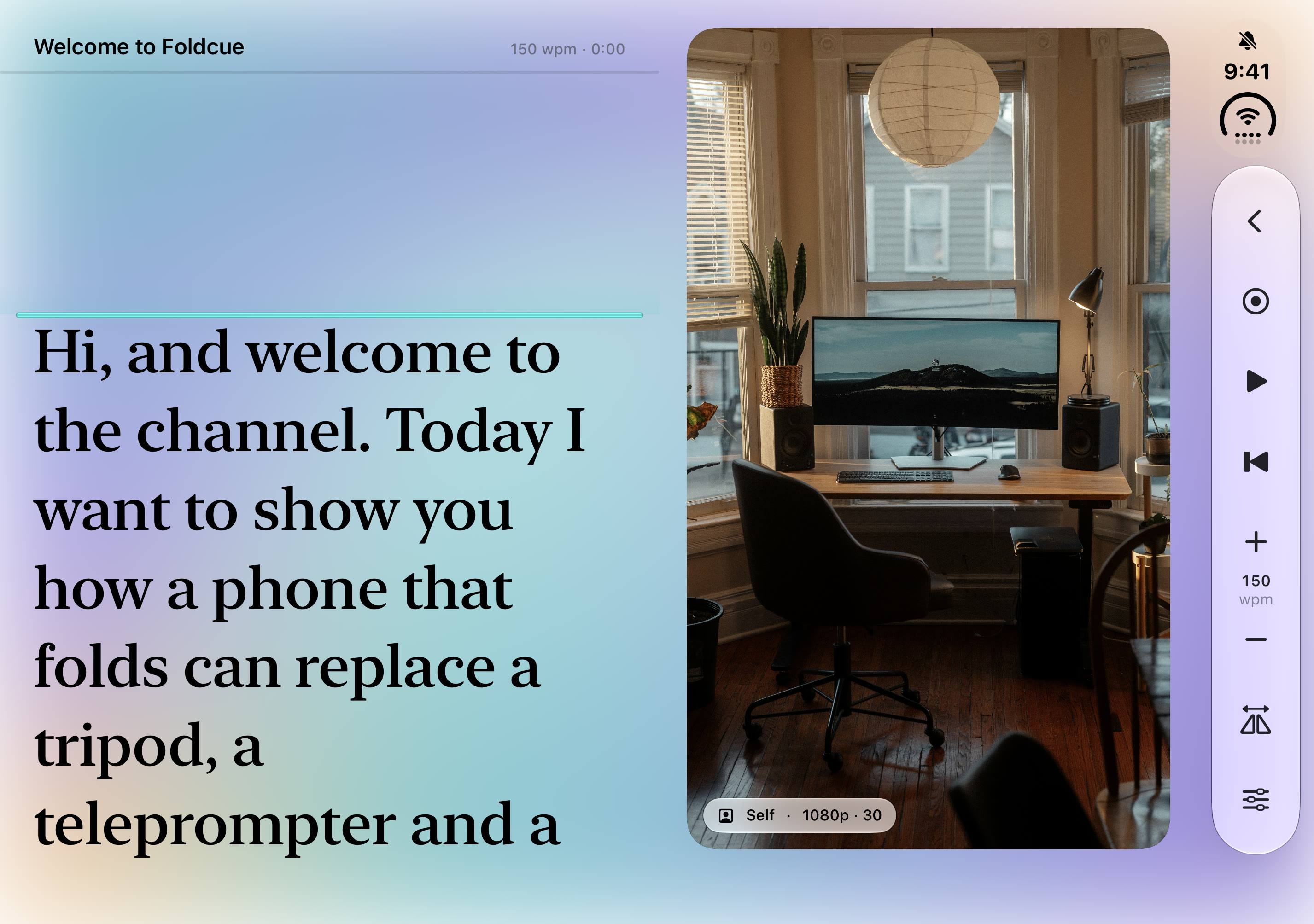
Fold the phone to roughly a right angle and stand it on the desk like a tiny laptop. The raised half shows your script directly under the front camera, with a marker at the camera's eye line. The flat half holds the controls, so your hands never cover the lens.
3. Set your pace before you start
Tap + and - to set the scroll speed in words per minute. Start slower than you think: most people read to camera at 130 to 160 words per minute. You can nudge the pace while you talk, and the countdown gives you a moment to settle before the first line.
4. Keep your eyes at the top of the screen
Read the line nearest the camera, not the middle of the screen. Because the script sits right under the lens, viewers see you looking at them, not down at a page.
5. Record, then retake in a tap
Foldcue records with the front camera while it prompts. Each take saves to Photos, and if you stumble you can retake the last one straight away.
Filming someone else
Open the phone fully and switch to director mode: the script appears on the outer screen, facing the person you are filming, while you see the camera on the inside.
Foldcue is free to start, with 3 scripts and 1080p recording included.